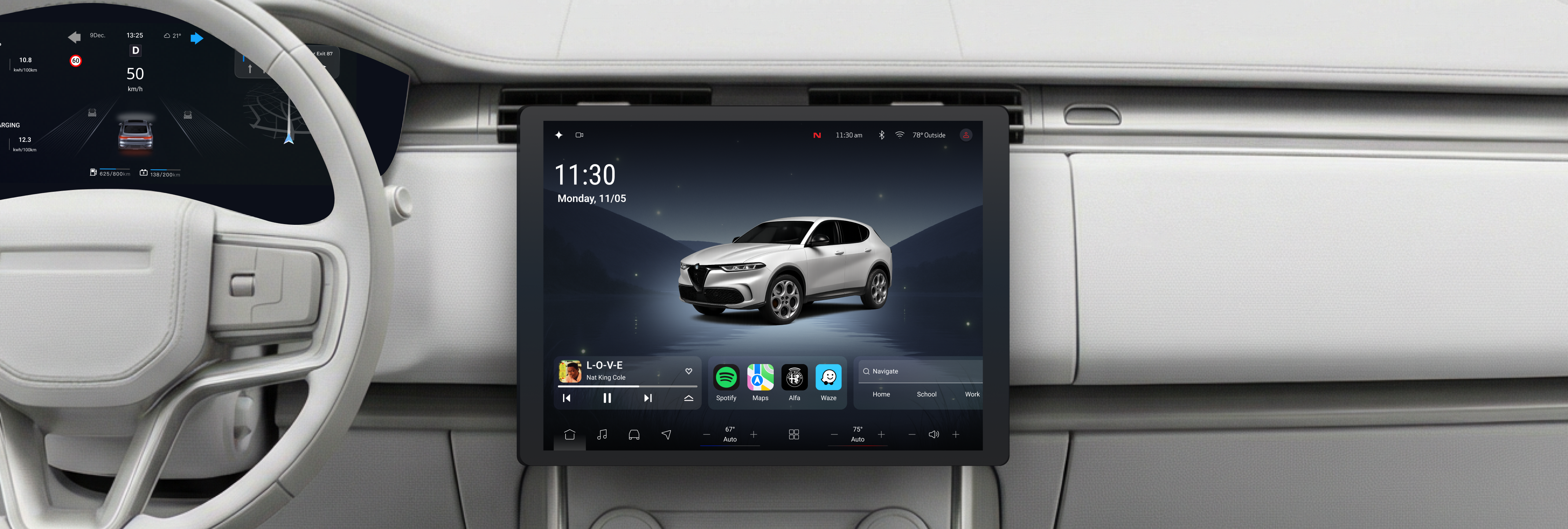
Designing within a brand system I didn't create, for a context where every extra second of attention costs safety
The Constraint
The Stellantis Brand Design team brought me in to rethink the Alfa Romeo in-vehicle experience. I inherited their color palette, typography system, and component library—non-negotiable. The brand team pushed for richer visual treatments: more gradient depth, more surface texture, more visible features on the landing screen. I pushed back where those treatments competed with glanceability. The negotiation was constant: which brand elements could coexist with functional clarity, and which ones had to yield.
The fundamental tension: Alfa Romeo's brand demands visual richness, but the driving context demands visual restraint. Finding the line between those two was the real design problem.
Demo
01 // Research
I analyzed the Tonale, BMW X1, and Nissan Rogue across 7 dimensions. The finding that shaped everything else: all three systems prioritize packing features onto the screen rather than optimizing for how quickly a driver can process information at a glance. They're designing for showroom demos, not highway driving.
Dimensions evaluated: Home View, Primary Nav Positioning, Status Bar, Navigation Active State, Layout, Design Language, and Breadcrumbs.

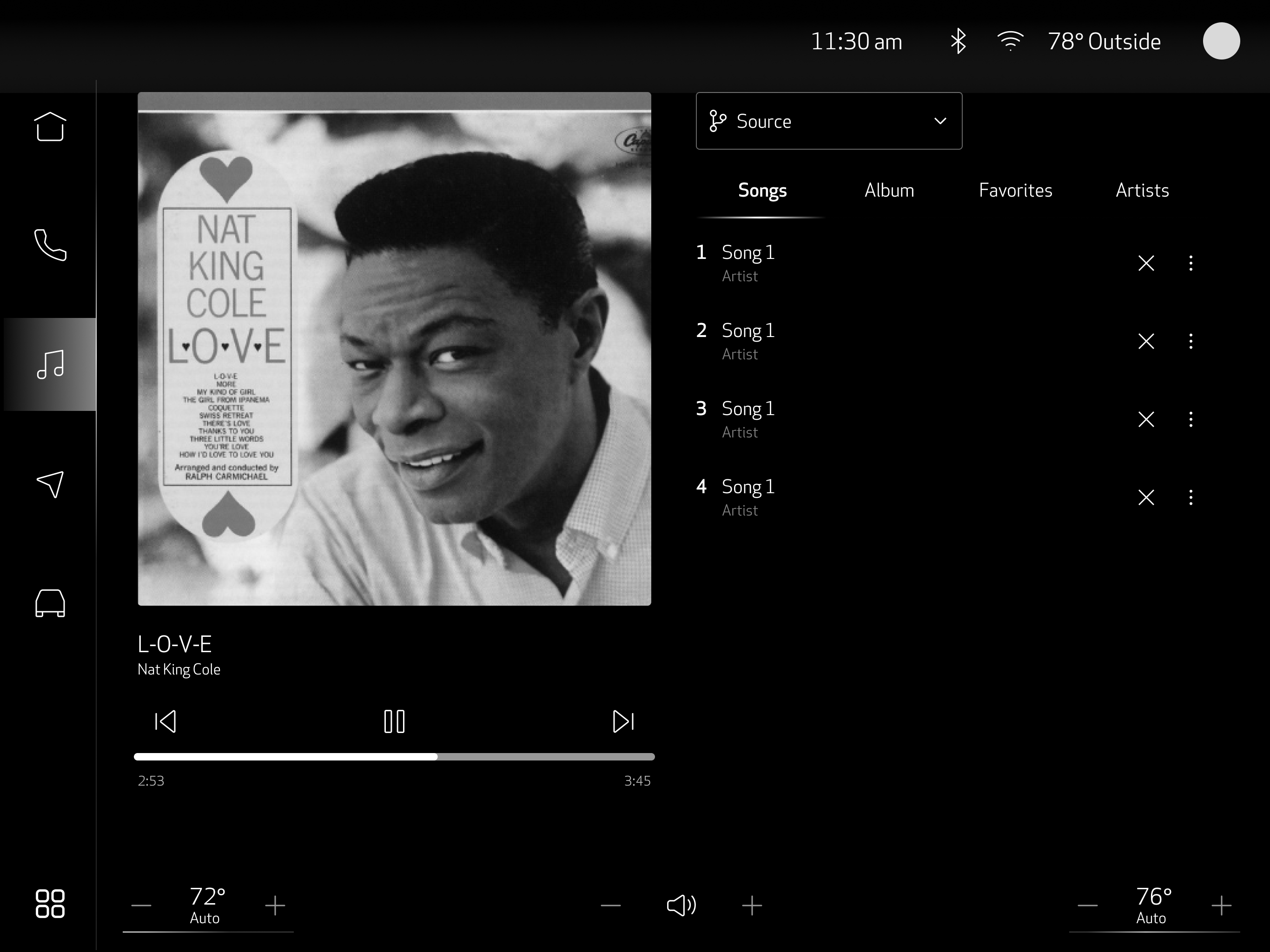
02 // Wireframes
Each wireframe started with the same question: if a driver glances at this screen for half a second, what do they need to see? Everything else was pushed to a secondary layer or removed entirely.
03 // Visual Design
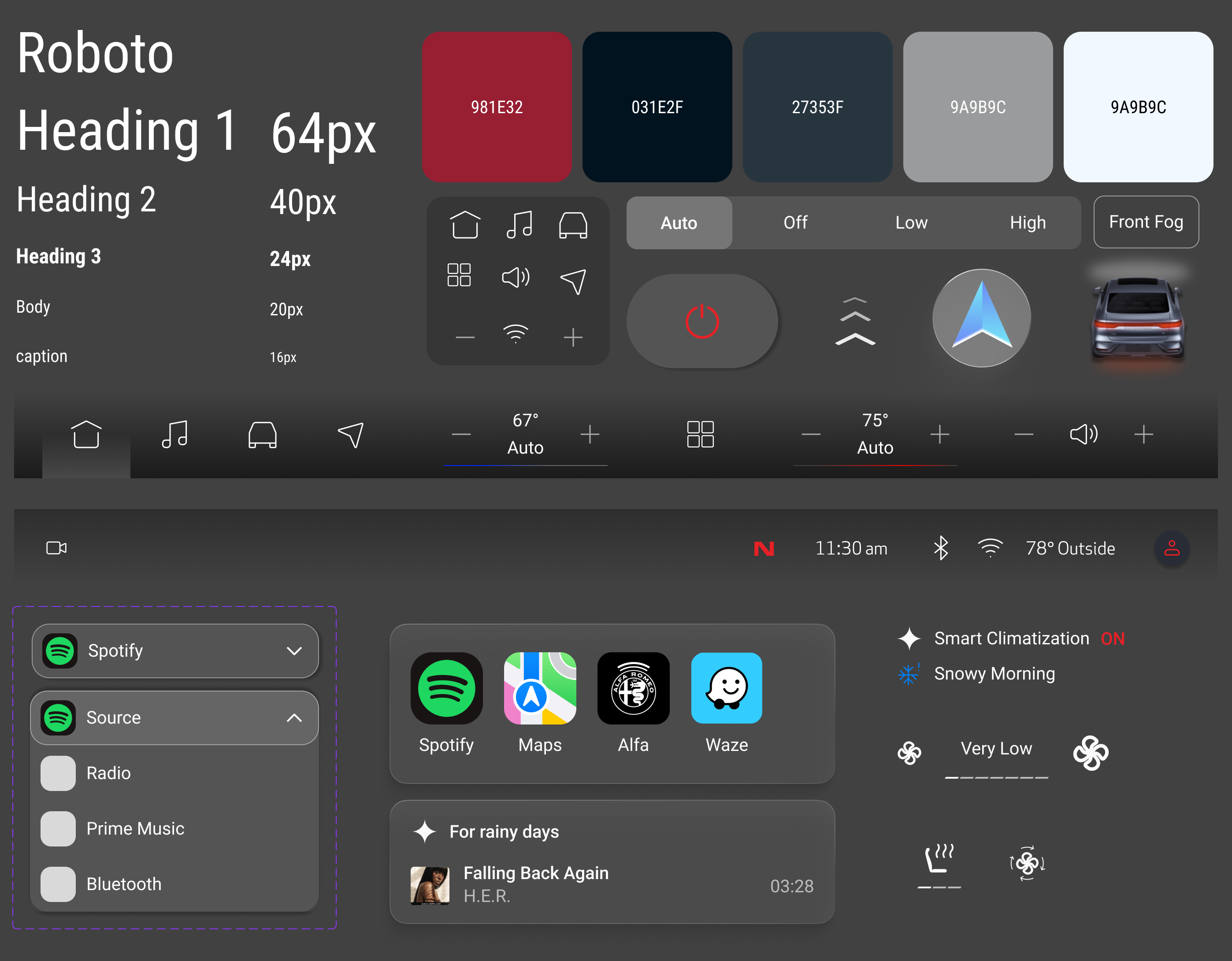
Alfa Romeo's visual language—dark surfaces, Italian typography heritage, premium material cues—was handed to me, not chosen by me. I couldn't swap the typeface for something more legible at arm's length. I couldn't lighten the dark theme for better daytime contrast. So the work became: how do you make a prescribed aesthetic perform under safety constraints it wasn't designed for?
Final Design
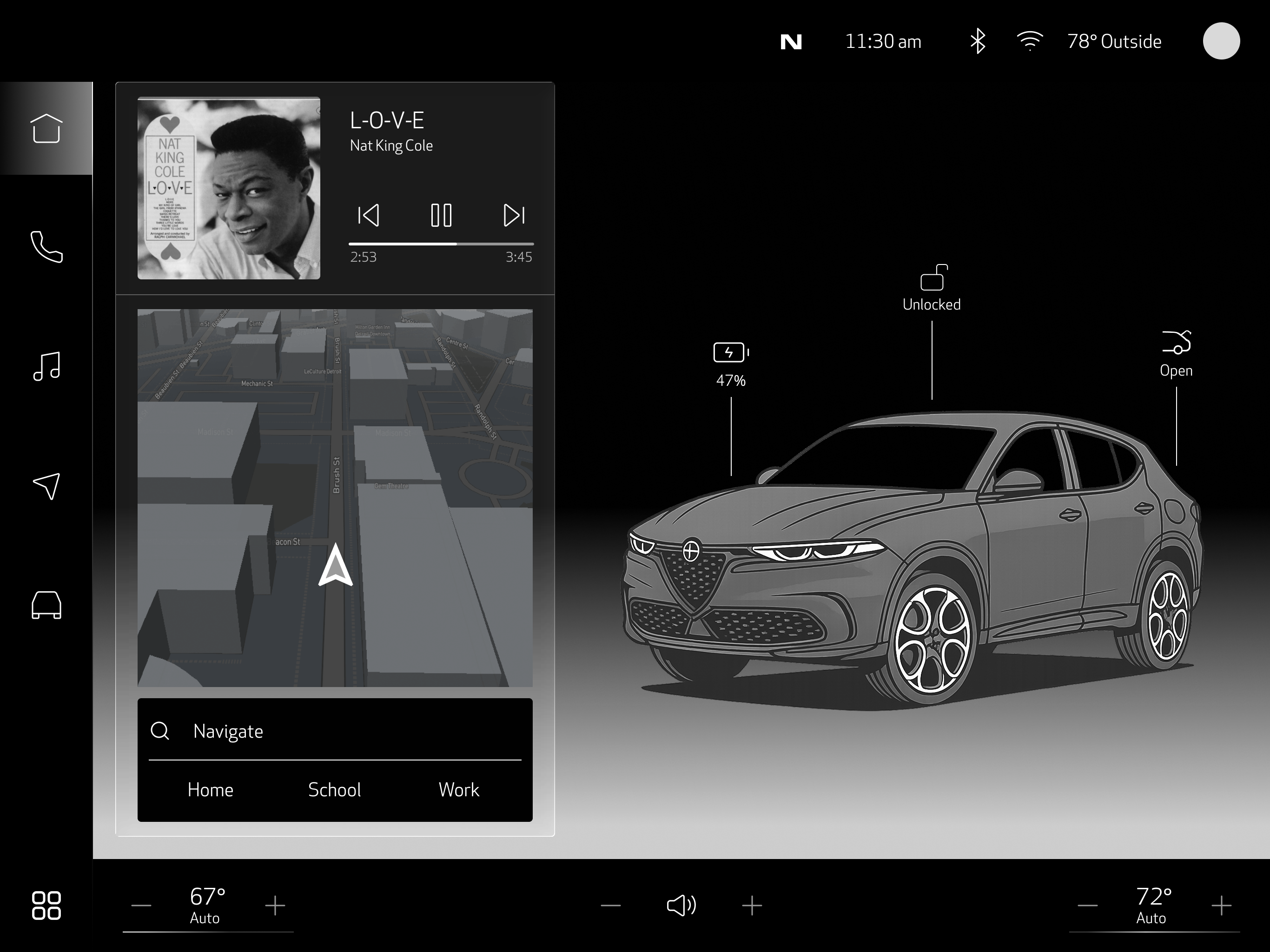
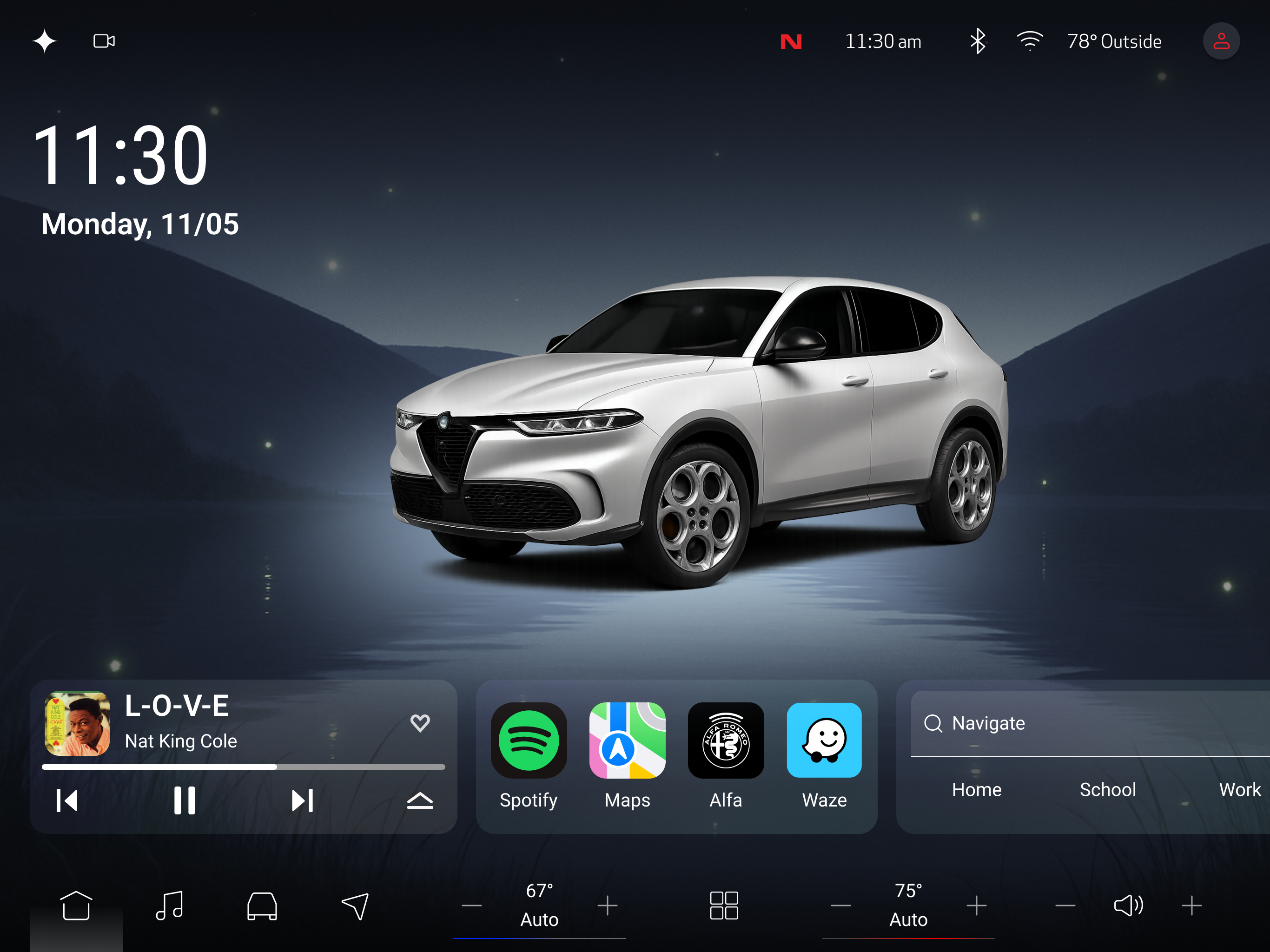
The primary touchscreen—and the biggest tension point with the brand team. They wanted the landing page to showcase the system's capabilities. I wanted it to show only what a driver needs right now. The compromise: three content panels that feel premium but contain only high-frequency information. Everything else requires a deliberate tap.
Navigation, media, and vehicle status—the three things drivers check most. Nothing else competes for the first glance.
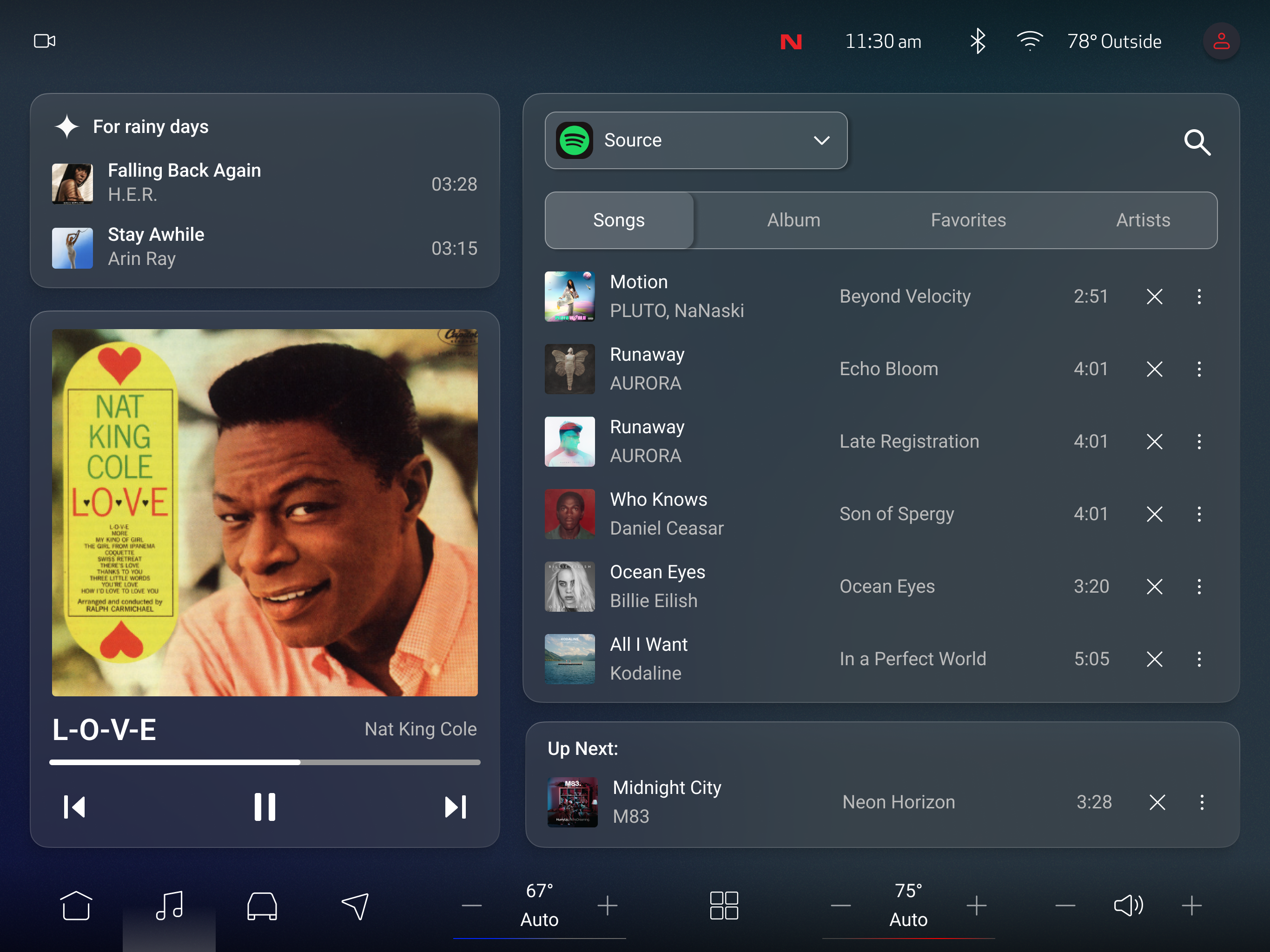
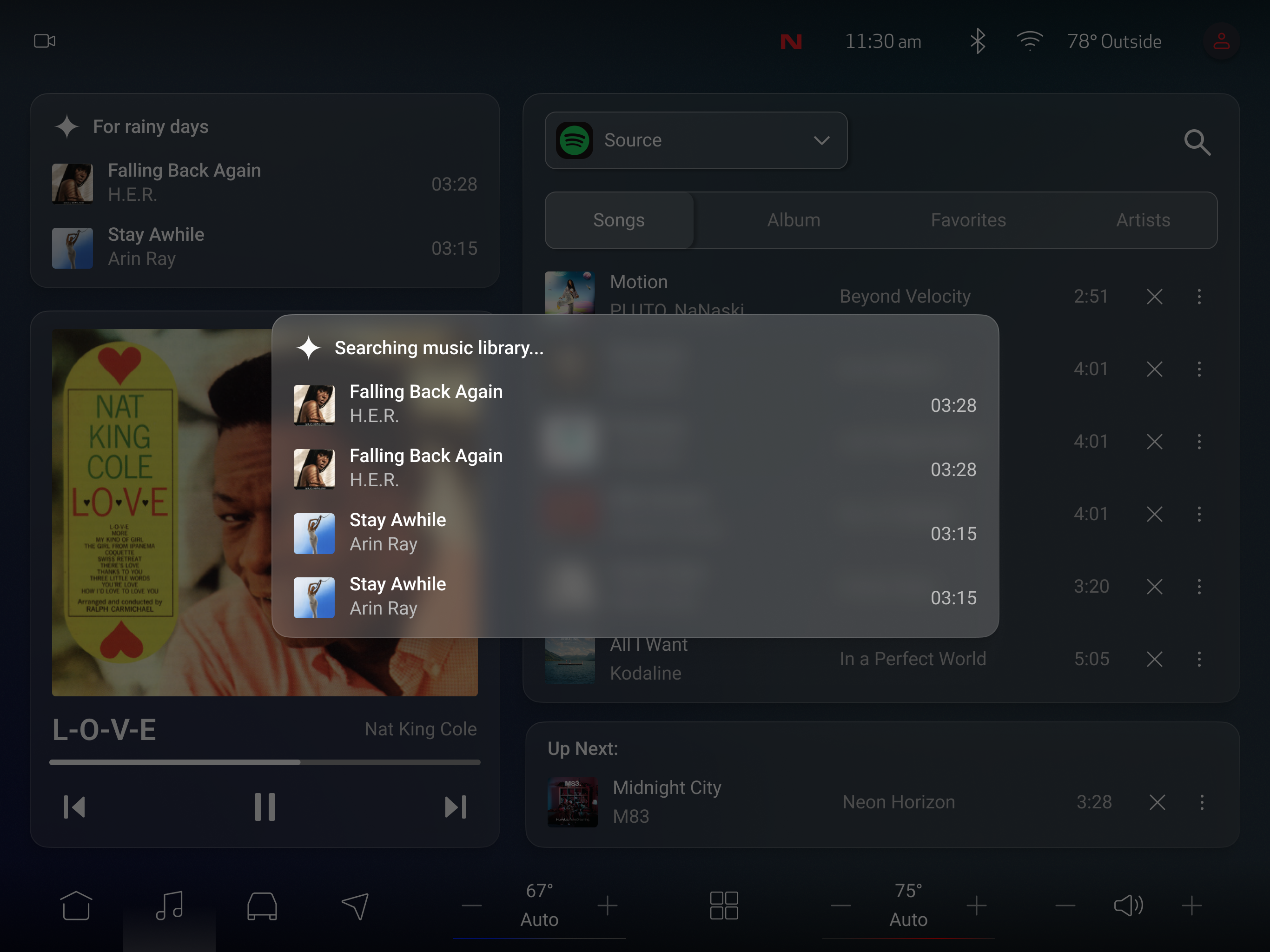
Playback state is immediately readable. AI search lives on the right side—accessible but never competing with what's currently playing.
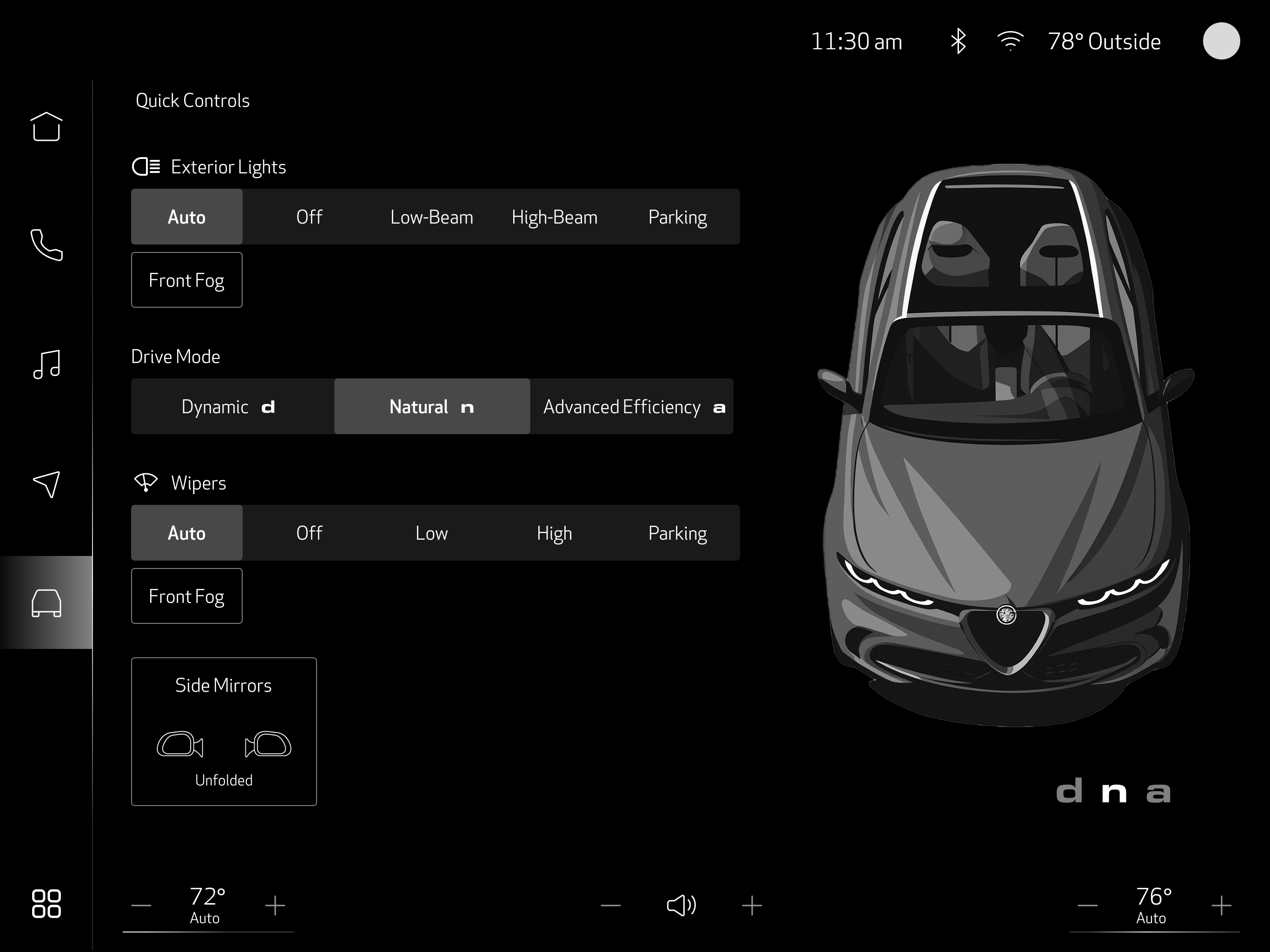
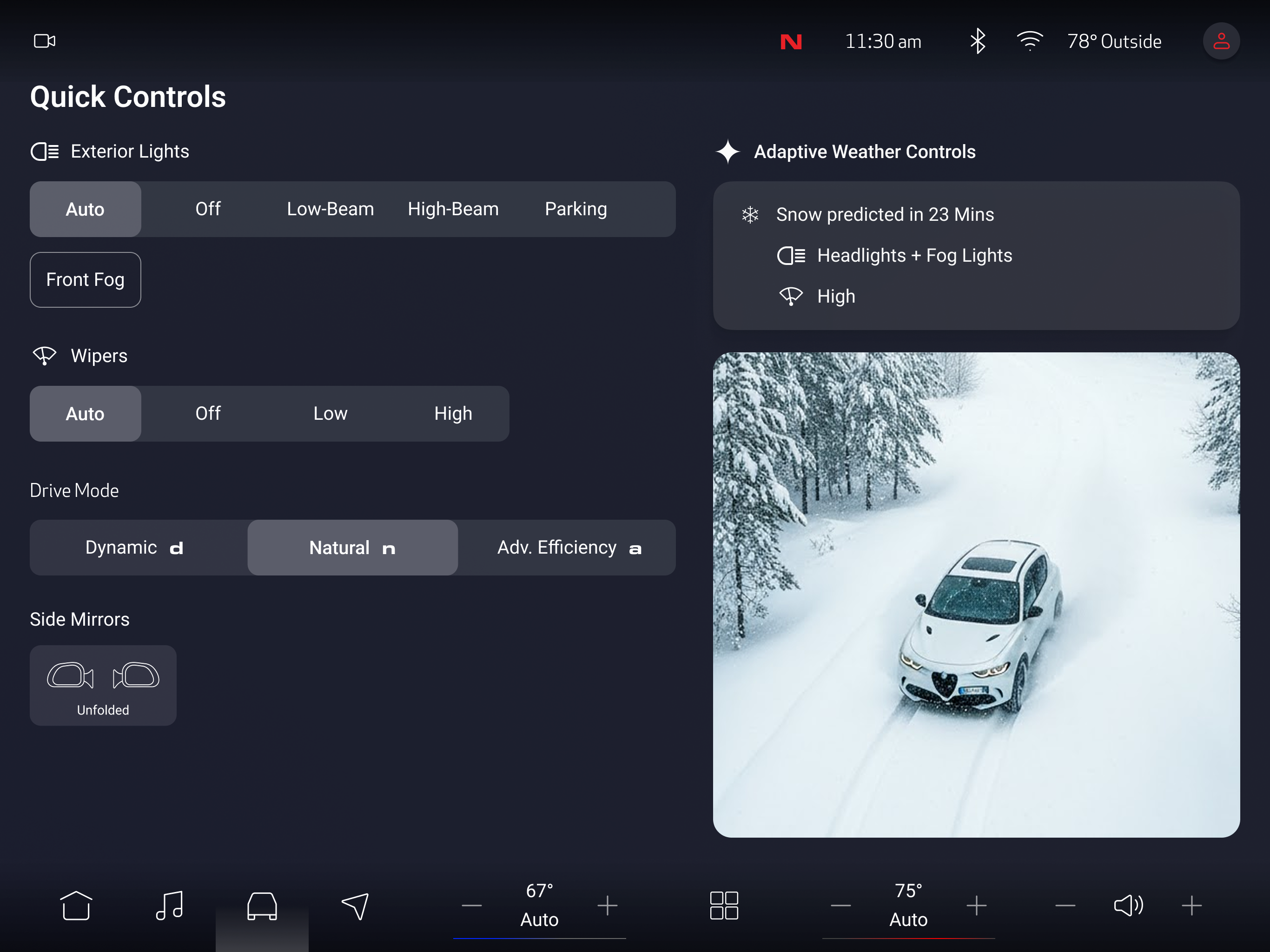
Lights, drive modes, wipers, mirrors—all on one surface. Weather-adaptive assistance adjusts settings automatically, so the driver doesn't have to look down during a rainstorm.
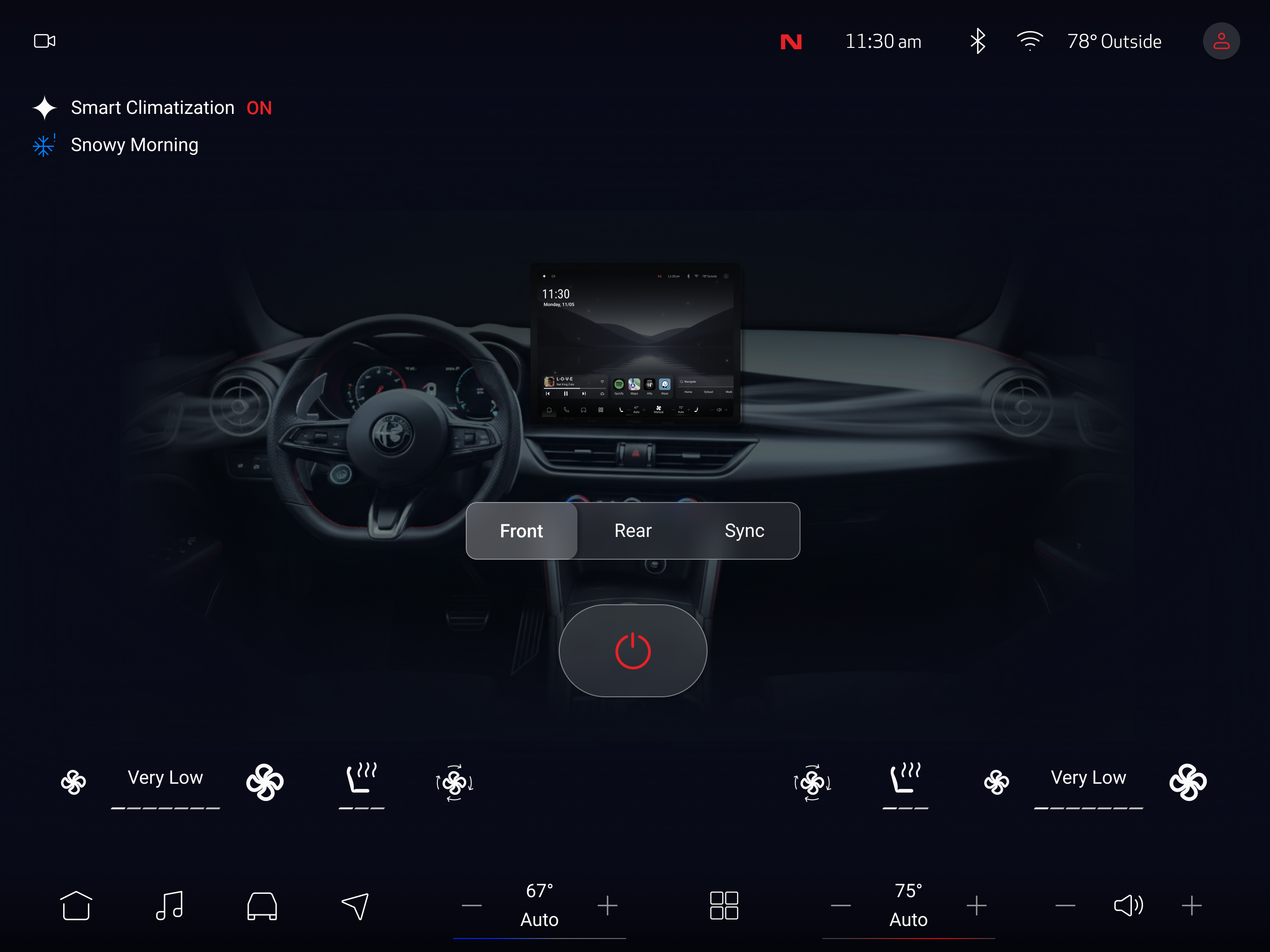
The biggest source of mid-drive screen interaction in my competitive analysis. I made the on/off state unmistakable and added smart climatization as the default, so most drivers never need to open this screen at all.
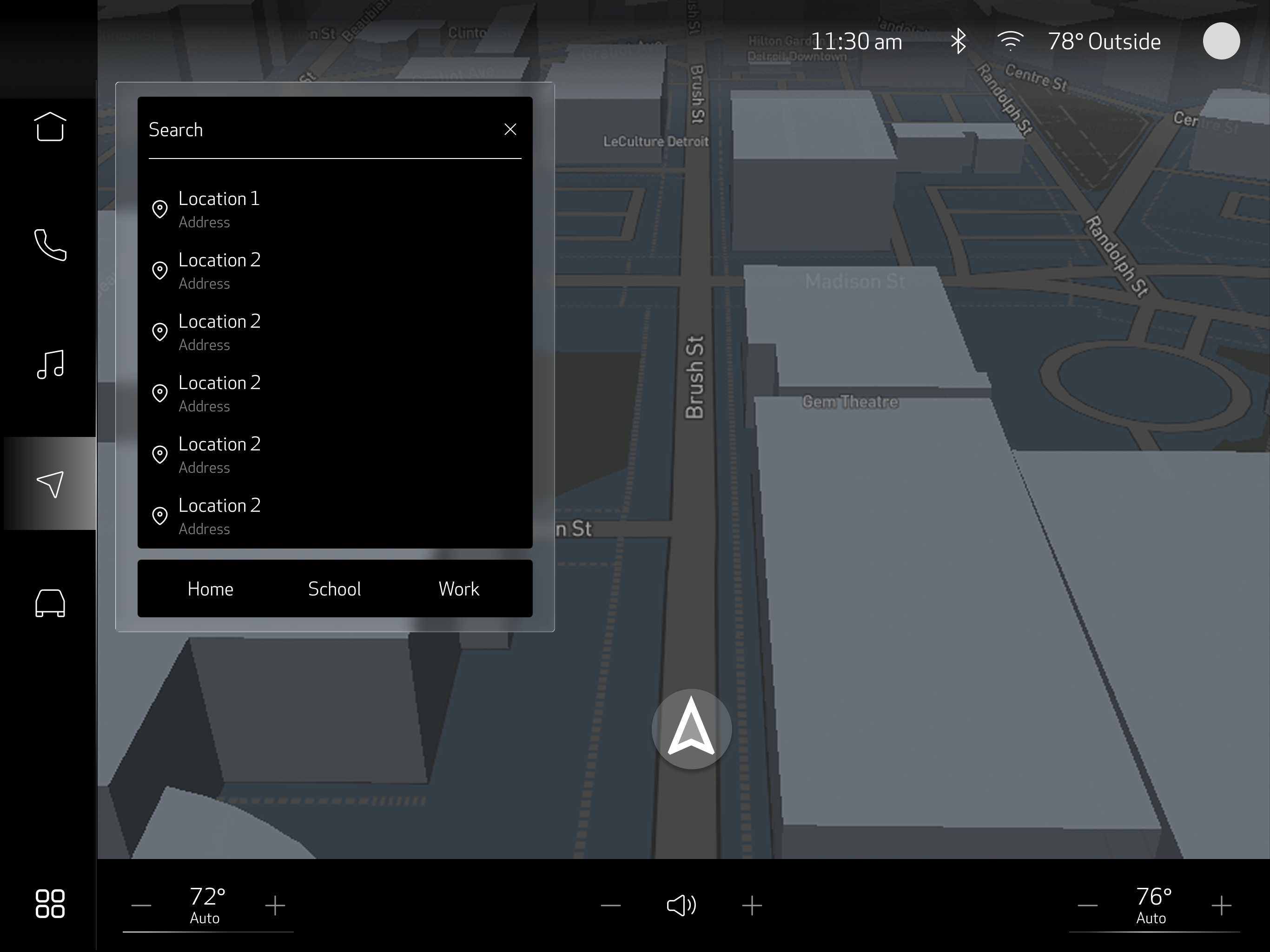
The map fills the screen. Turn-by-turn directions are overlaid, not placed in a sidebar that steals map real estate. When the next turn is 10 miles away, the overlay fades—no reason to display information the driver doesn't need yet.
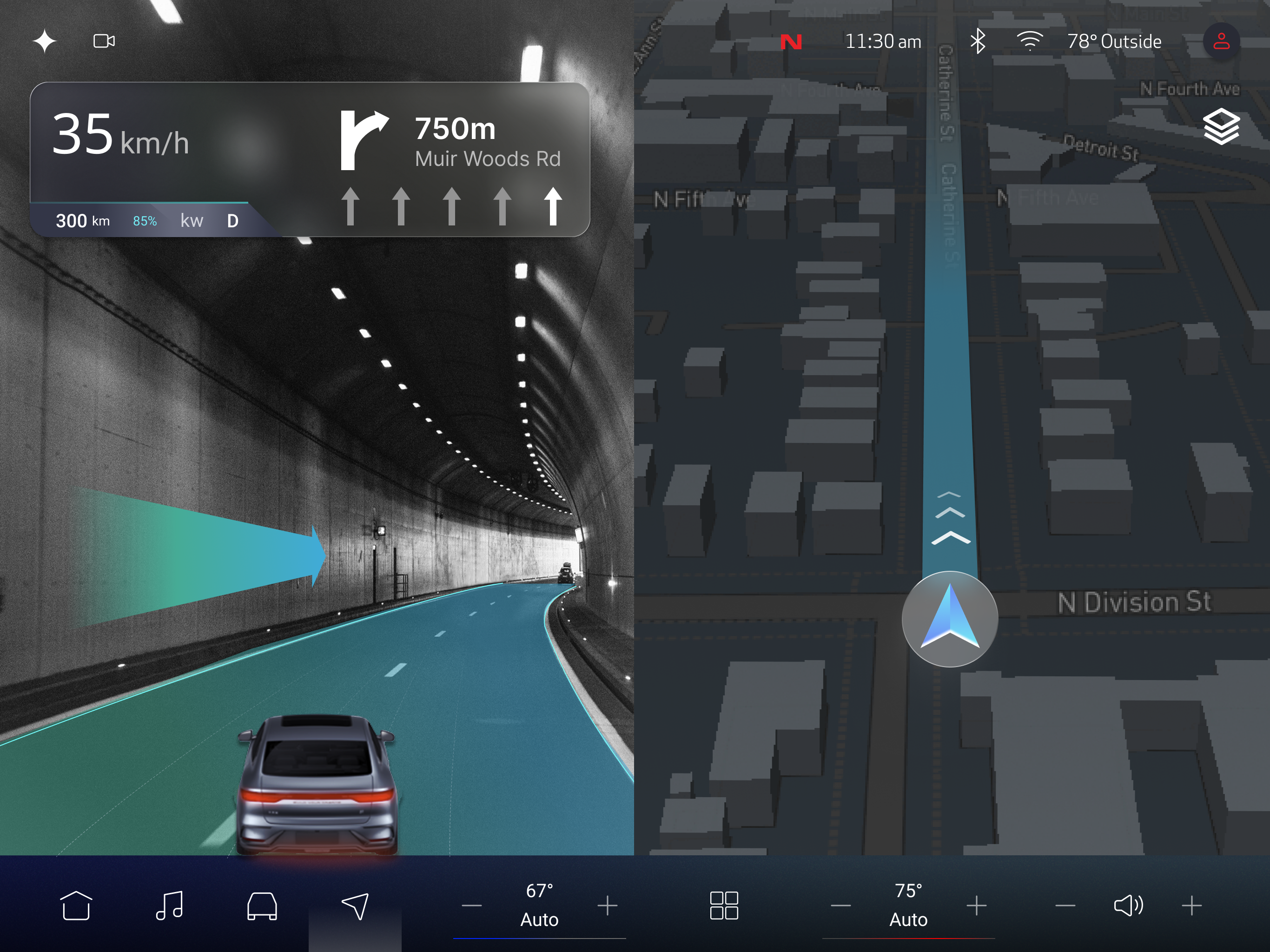
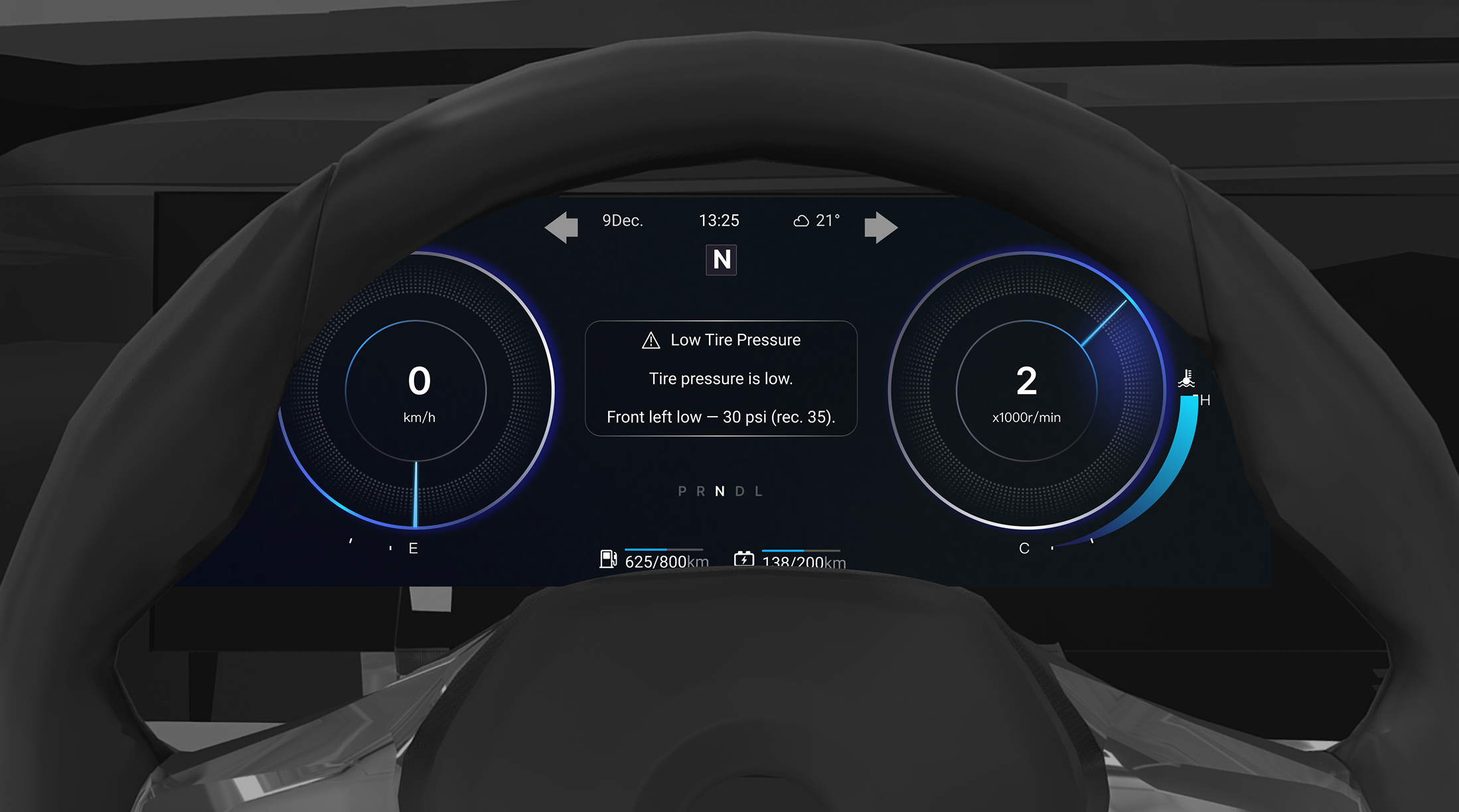
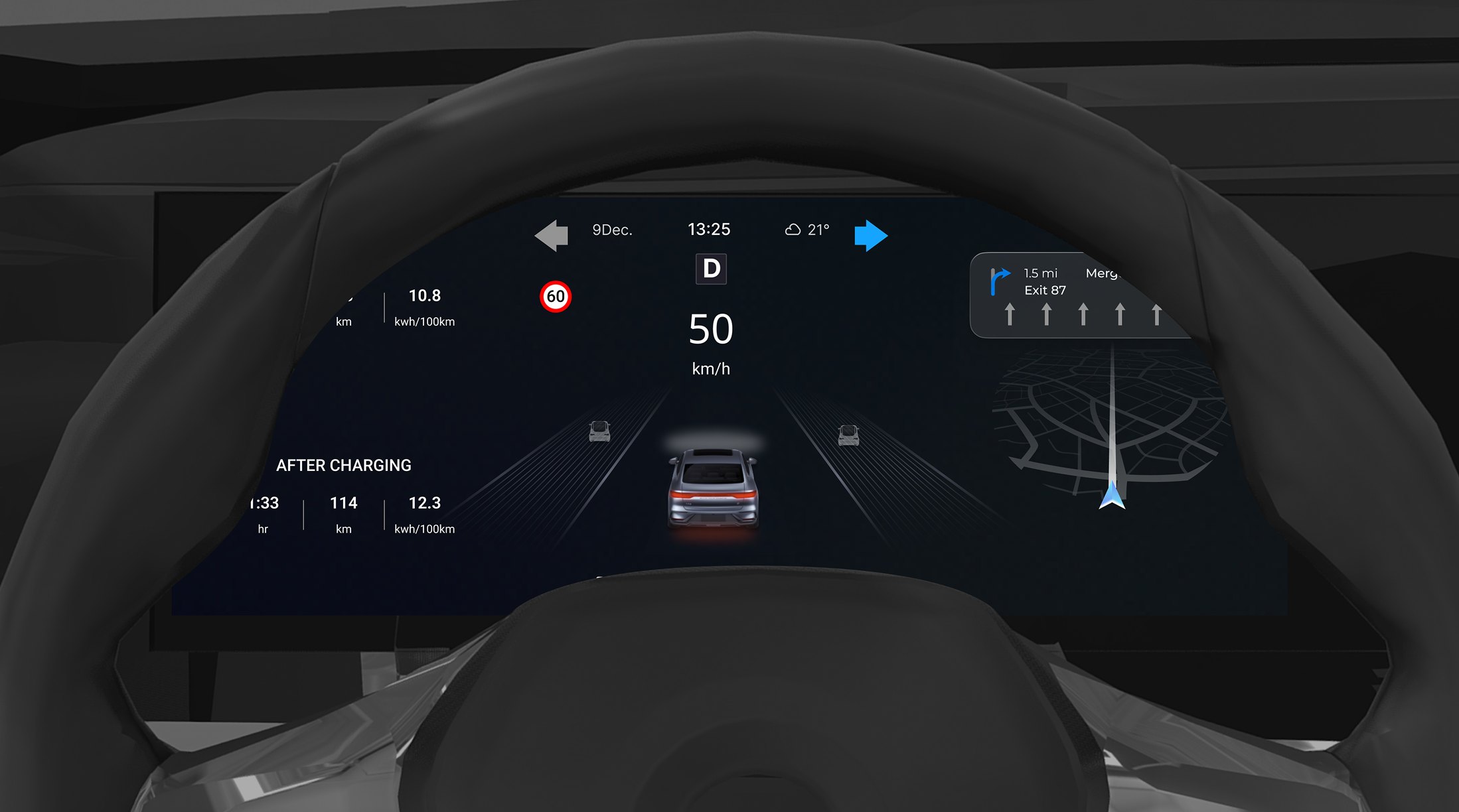
The screen behind the steering wheel—the one drivers actually look at most. This is where the 0.5-second rule is non-negotiable. Speed, navigation cues, and alerts have to be instantly parseable.
System Overview
The cluster shows what's important in the moment—speed, next turn, active alerts. The center display holds everything else. This split means the driver's eyes rarely have to leave the road to find the right information.
Reflection